
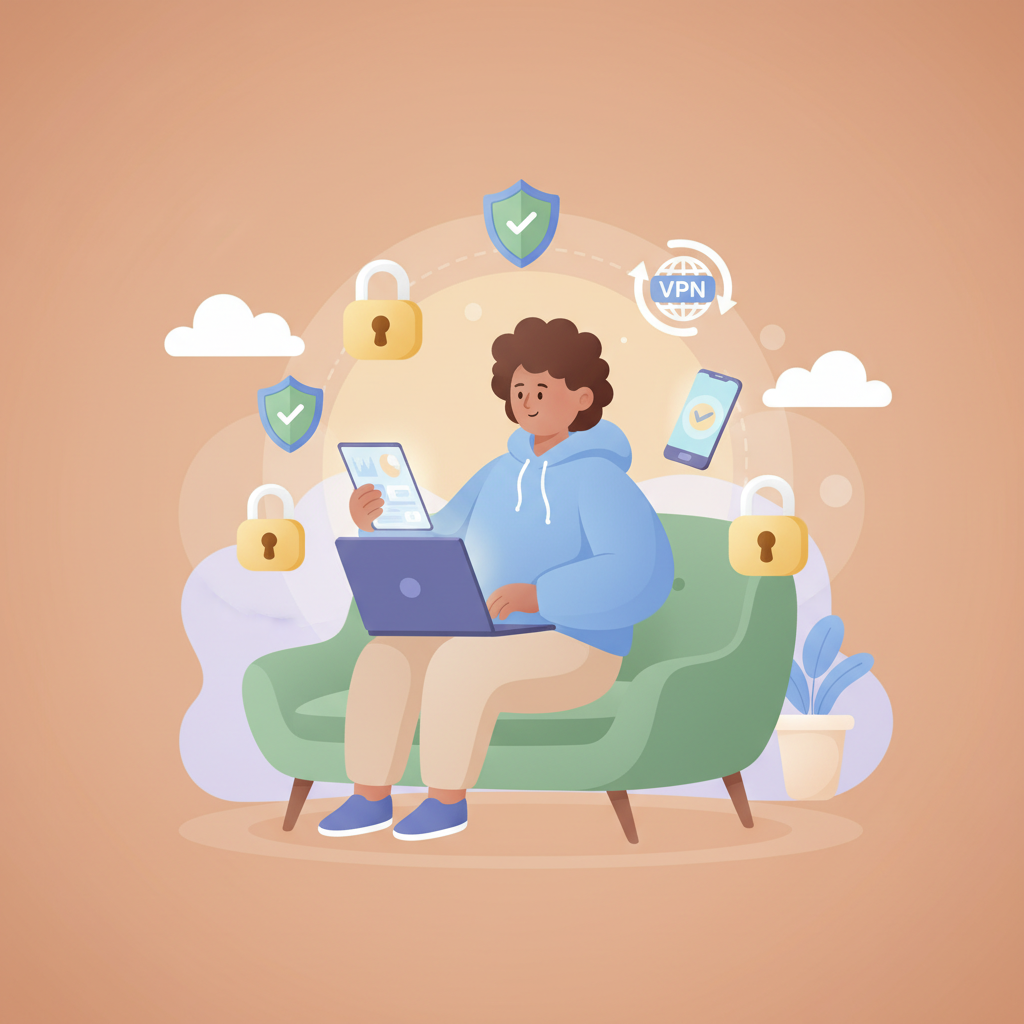
In today’s digital world, being tech savvy means you use a lot of devices and online services every day. But with all that connectivity comes an increased risk of digital threats like hacking, phishing, and fraud that can put your personal information and privacy in danger.
The good news is improving your digital security doesn’t have to be complicated or overwhelming. Simple, consistent daily habits can go a long way to protecting your data and devices from common online risks.
In this article, we’ll share easy daily habits tailored for tech savvy people like you. These habits are designed to help you quickly boost your digital security without needing deep technical knowledge or spending hours on setup.
Your 3 Daily Habits To Strengthen Digital Security
Habit 1 — Use a Strong Password Manager
Why: Managing multiple strong, unique passwords for your various accounts is key to digital security. Weak and reused passwords are the easiest ways hackers gain access to your personal data.
How: Choose a trusted password manager like Dashlane, 1Password, or Keeper to generate and store complex passwords securely. Use it to autofill credentials and avoid writing passwords down.
Cue: Each time you create a new account or change an old password, open your password manager and store or update the password.
Habit 2 — Enable Two-Factor Authentication Everywhere Possible
Why: Two-factor authentication adds an extra security layer by requiring a second verification step, such as a code sent to your phone. This makes it much harder for hackers to access your accounts even if they know the password.
How: Turn on two-factor authentication (2FA) on all major accounts — email, social media, banking, and work-related services. Use an authenticator app or SMS codes.
Cue: When prompted to login or update your security settings, take a few minutes to enable 2FA.
Habit 3 — Use a VPN When Connecting to Public or Untrusted Networks
Why: Public Wi-Fi networks are often unsafe and a hotspot for hackers trying to capture your data. A Virtual Private Network (VPN) encrypts your internet traffic, hiding your activity from prying eyes.
How: Install a reliable VPN service like ExpressVPN, NordVPN, or CyberGhost on your devices and connect it whenever you use coffee shop or airport Wi-Fi.
Cue: Before you browse or stream on public Wi-Fi, turn on your VPN app.
Week 1 Schedule
| Day | Daily Habit |
|---|---|
| Monday | Set up a password manager and save your passwords |
| Tuesday | Enable two-factor authentication on your email account |
| Wednesday | Install a VPN and learn how to use it |
| Thursday | Review and update old weak passwords in your password manager |
| Friday | Enable 2FA on your social media accounts |
| Saturday | Test your VPN on public Wi-Fi with a friend or family member |
| Sunday | Reflect on your progress and troubleshoot any issues |
Troubleshooting
Barrier: Forgetting passwords or hesitating to change them regularly.
Fix: Use a password manager daily to store and generate strong passwords so you don’t have to remember them.
Barrier: Finding two-factor authentication annoying or inconvenient.
Fix: Remember that 2FA greatly reduces hacking risk. Use an authenticator app for faster, more secure authentication instead of SMS when possible.
Barrier: Forgetting to activate VPN when on public Wi-Fi.
Fix: Set your VPN app to auto-connect on unknown Wi-Fi networks or create a habit cue to turn it on as soon as you connect.
FAQs
Q: Is a VPN necessary if I only use password-protected Wi-Fi?
A: Yes. Even password-protected Wi-Fi can be monitored by malicious users. A VPN encrypts your data, offering an extra layer of protection on any network.
Q: How do I know if my password manager is secure?
A: Choose well-reviewed password managers that use strong encryption and have a proven track record of protecting user data. Avoid free or unknown providers.
Q: Can I skip two-factor authentication for accounts that I rarely use?
A: It is best to enable 2FA on all accounts that hold sensitive data or personal info, regardless of use frequency to maximize your digital security.
Tracking & Motivation Tips
Use a digital checklist or an app to track your daily digital security habits. Celebrate small wins like enabling 2FA on new accounts or using your VPN regularly. Setting reminders can keep your digital security top of mind without feeling like a chore.
Key Takeaways To Improve Your Digital Security Every Day
Adopting these simple daily habits can greatly increase your digital security. A password manager helps you maintain strong passwords without stress, two-factor authentication protects your accounts from unauthorized access, and a VPN secures your internet connection on risky networks. The key is consistency and making these actions part of your daily routine. With the right habits, your digital life will be much safer in no time.
Join the Waitlist
Ready to put these habits into action? Dayspire helps you reach any goal with simple daily habits. Join the waitlist now to be the first to get invited to Dayspire!